Check The Dashboard
Go to the Dashboard; Most devices are already enrolled.
"Pending" Status Devices need a factory reset on store Wi-Fi.
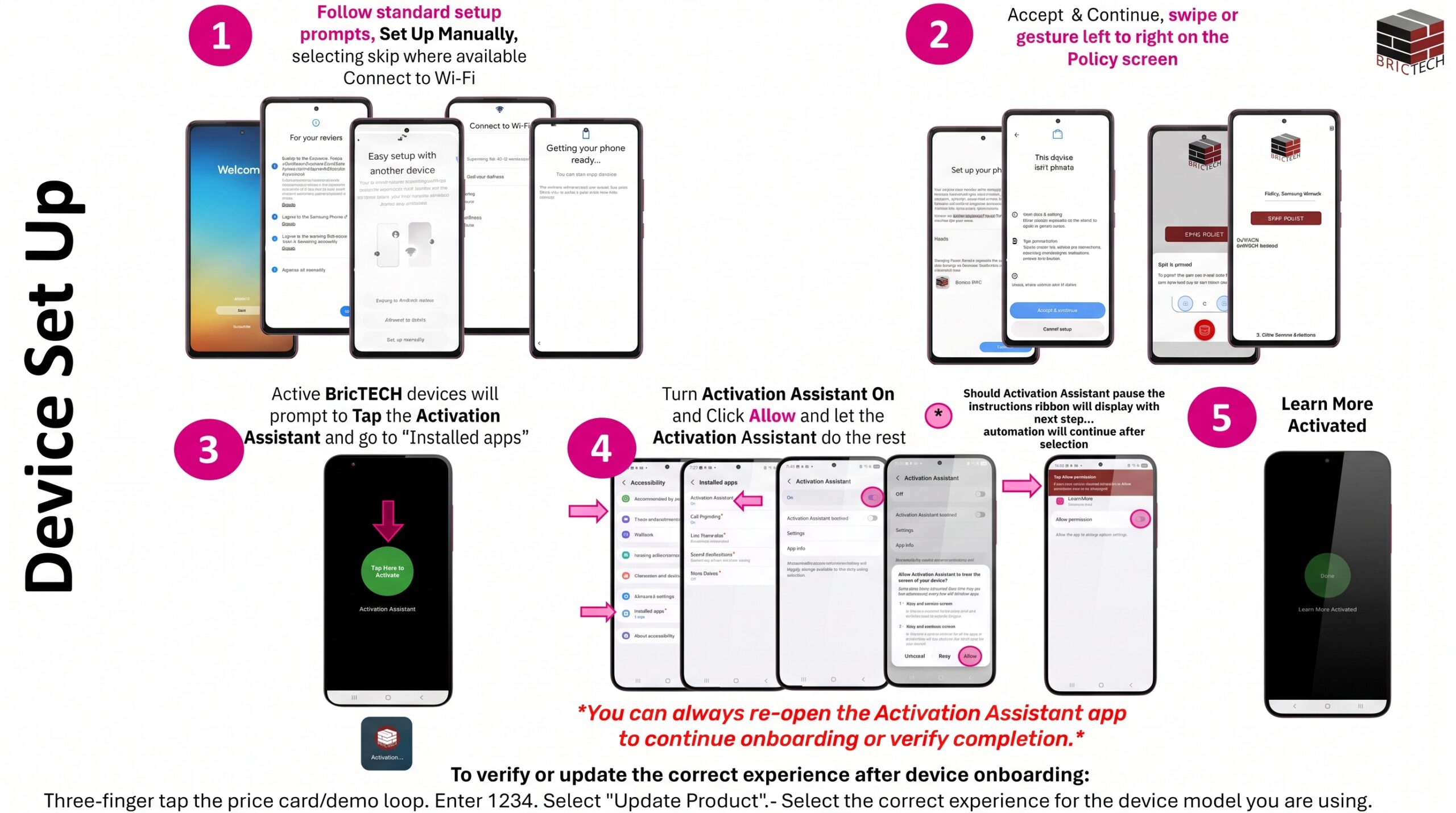
Set-up instructions below.
Use the enrollment form ONLY for devices not already listed in the Dashboard.
Click Here To Go To DashboardDigital Pricer Guides
Access setup instructions, manuals, and video walkthroughs.
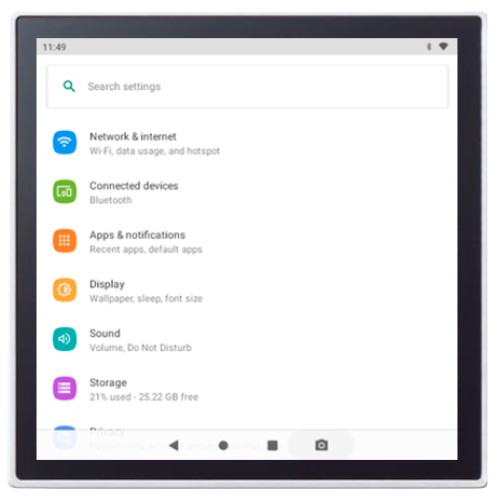
Set-Up
See install instructions here:
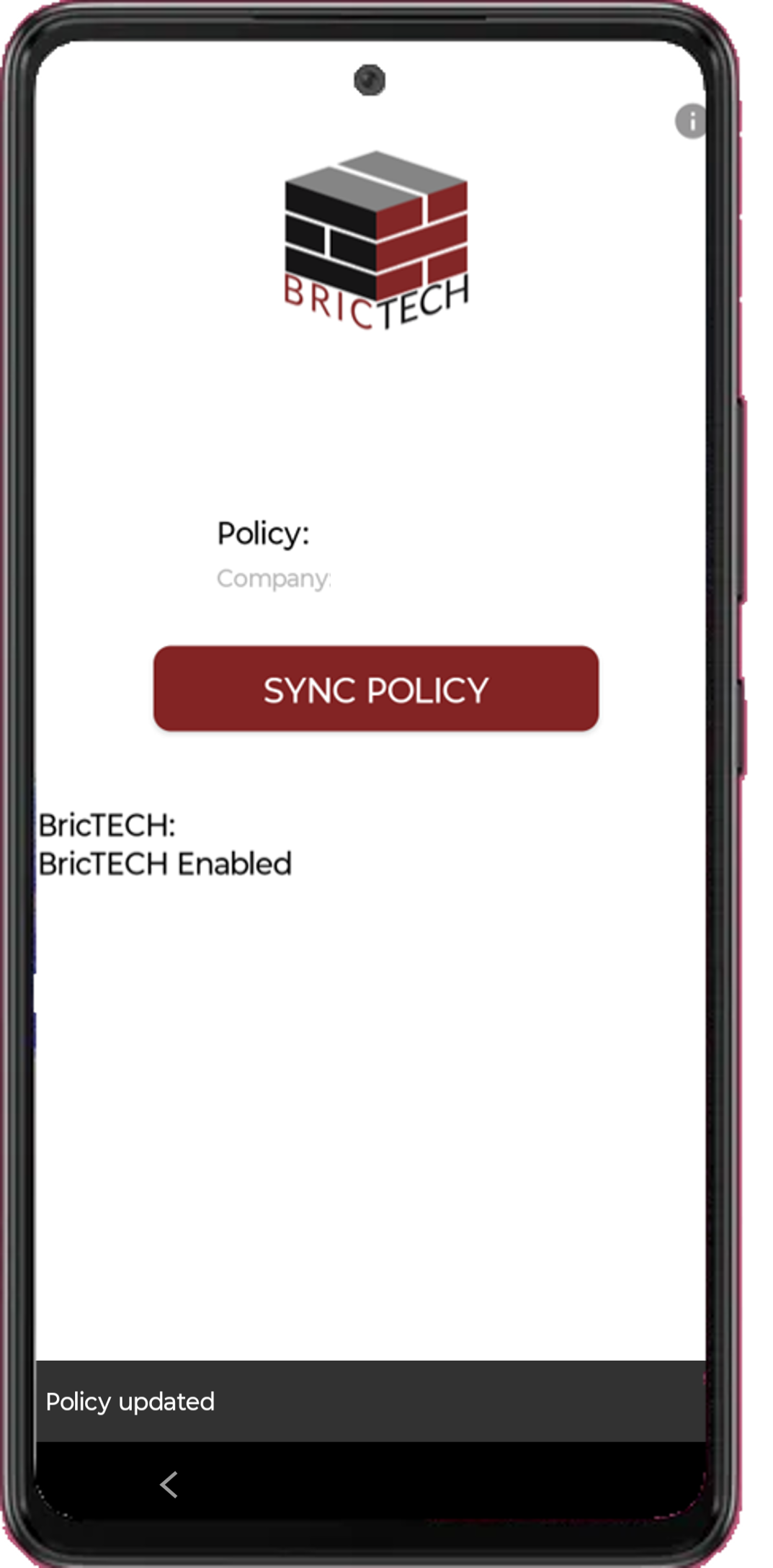
* REQUIRED: Use activation assistant to turn on LearnMore V2 permissions to be compliant. *
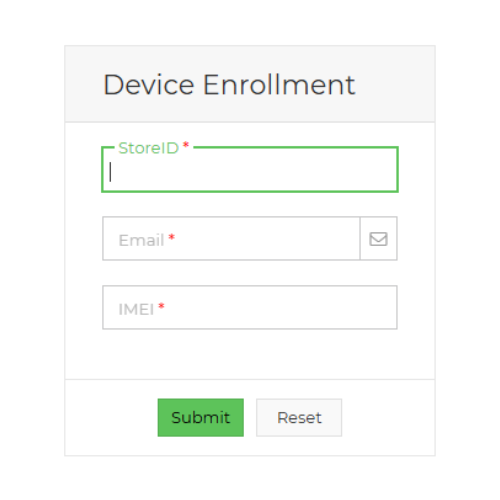
Enroll Demo
Only use this form if your Device is not listed in Dashboard (ex: A-stock conversion)
FAQs
Still need help?
Click for help & support

Device Setup Instructions
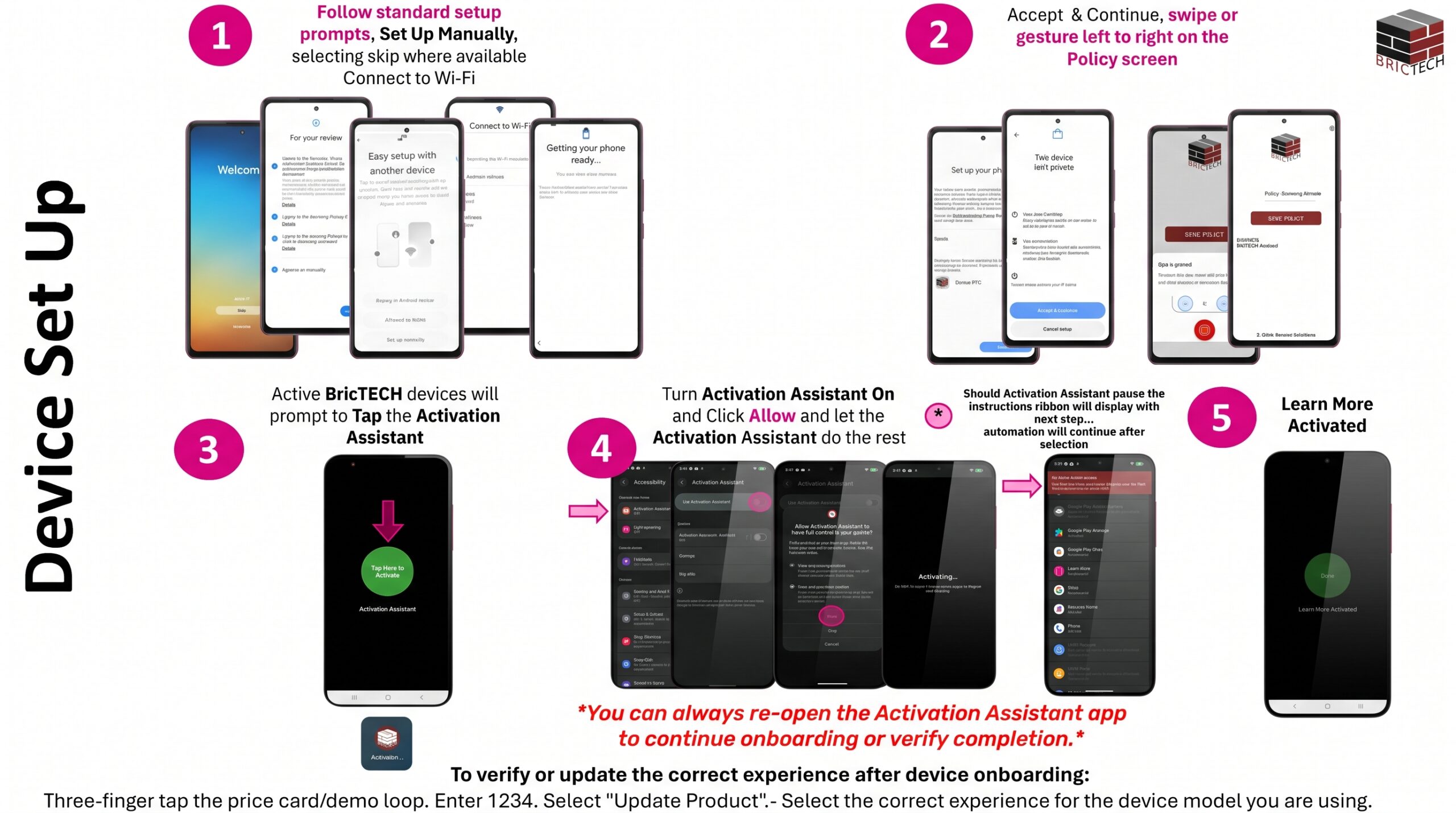
Video Walkthroughs
Setup Guide PDF
Download PDFFactory Reset Instructions
Digital Pricer Support Hub
Select a topic on the left or submit a troubleshooting ticket.
Update Product - Accessory
Watch the instructional video below:
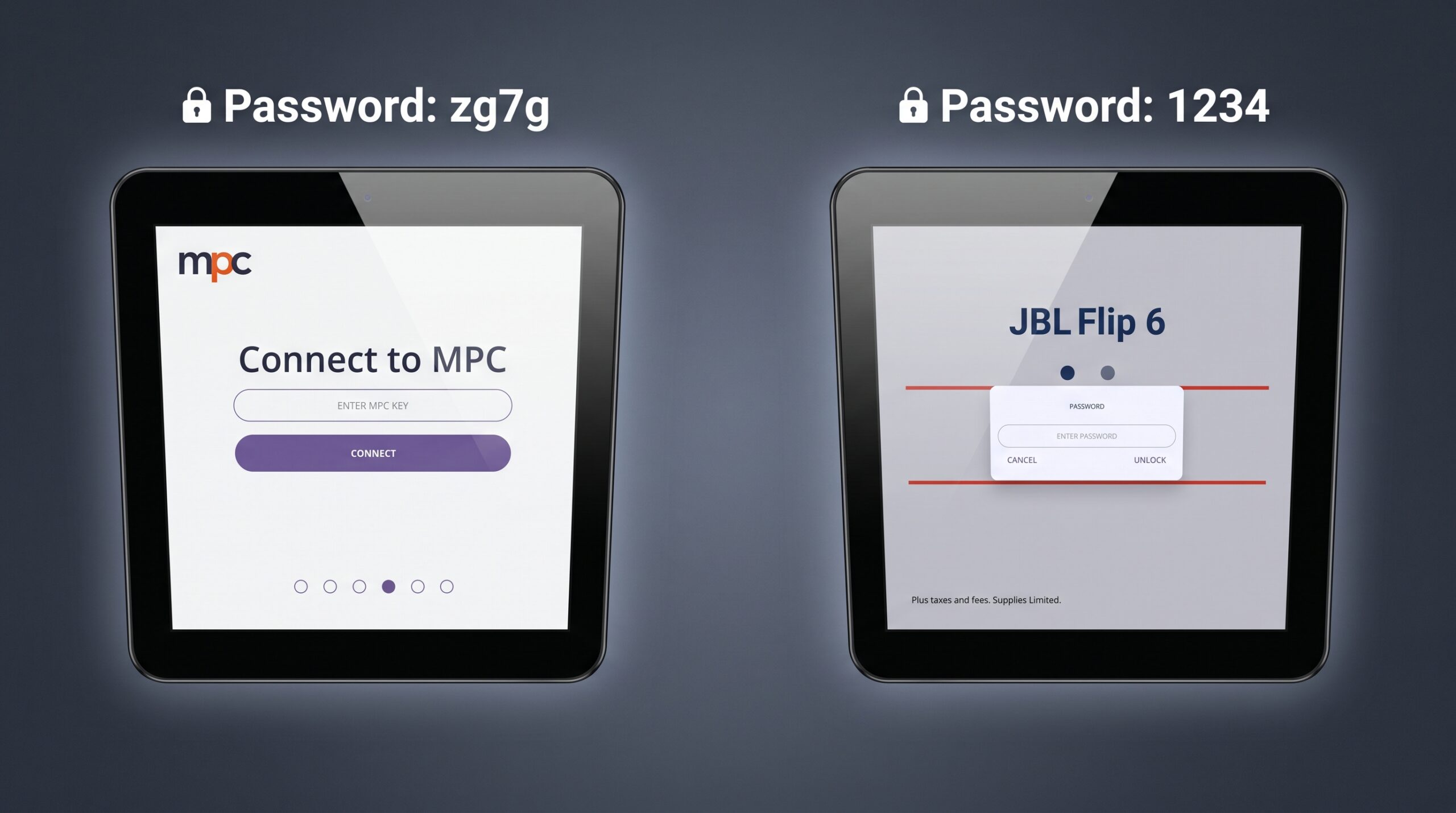
Digital Pricer Passwords
Device Enrollment
Submit device details for enrollment.
Help & Support
Browse our FAQs or submit a support request below.